The best curved monitors sell every day to people who never checked the curvature rating. That number, measured in millimetres, matters more than resolution or refresh rate for whether the screen feels immersive or just looks a bit bent. Get it wrong for your desk depth and you’ll spend months sitting too far back to notice the curve at all.
Most listings bury the rating in the specs tab. You’re looking for something like 1800R or 1000R, where the “R” stands for radius, meaning the radius of the imaginary circle the screen is part of. Smaller number, tighter curve. Bigger number, gentler arc. Once you’ve got that, picking between the best curved monitors gets much easier.
What Curvature Numbers Mean
A 1800R screen sits on a circle with an 1800mm radius, so about 1.8 metres. For most home desks, that matches a viewing distance of roughly 70 to 90cm, which is where the curve starts doing its job. It’s also the most common rating in the mid-range, and for good reason: it suits the widest range of setups without feeling aggressive.
1500R tightens things up noticeably. You’ll see it on gaming screens like the Samsung Odyssey G9, where immersion matters more than colour accuracy at wide angles. Sit closer than 60cm to a 1500R panel and the edges can look slightly distorted, at least until your eyes adjust. 1000R is the tightest you’ll find on consumer monitors right now. I’d say it’s a bit much for productivity work, though gamers in smaller setups seem to like it.
One thing worth knowing: the rating doesn’t change based on screen size. A 27-inch 1800R and a 34-inch 1800R have identical arc geometry. The wider screen just covers more of that arc, so the curve feels more pronounced at the same desk depth.
Top Curved Monitors by Budget
The LG 34WP65C-B is the easiest recommendation under $400. It’s a 34-inch ultrawide at 3440×1440, 1800R curvature, 75Hz, retailing around $397. The IPS panel gives you decent colour accuracy, which is unusual at this price for a curved screen. Not a gaming monitor, but for someone who wants a bigger workspace without a dual-monitor headache, it does the job without drama.
Step up to around $749 and the Dell UltraSharp U3423WE is a serious option. Same 34-inch ultrawide footprint, but with a built-in KVM switch and Thunderbolt 4 (useful if you switch between a laptop and a desktop). Curvature is 1900R, so slightly gentler than the LG, and colour accuracy out of the box is genuinely good. It’s aimed at hybrid workers more than gamers.
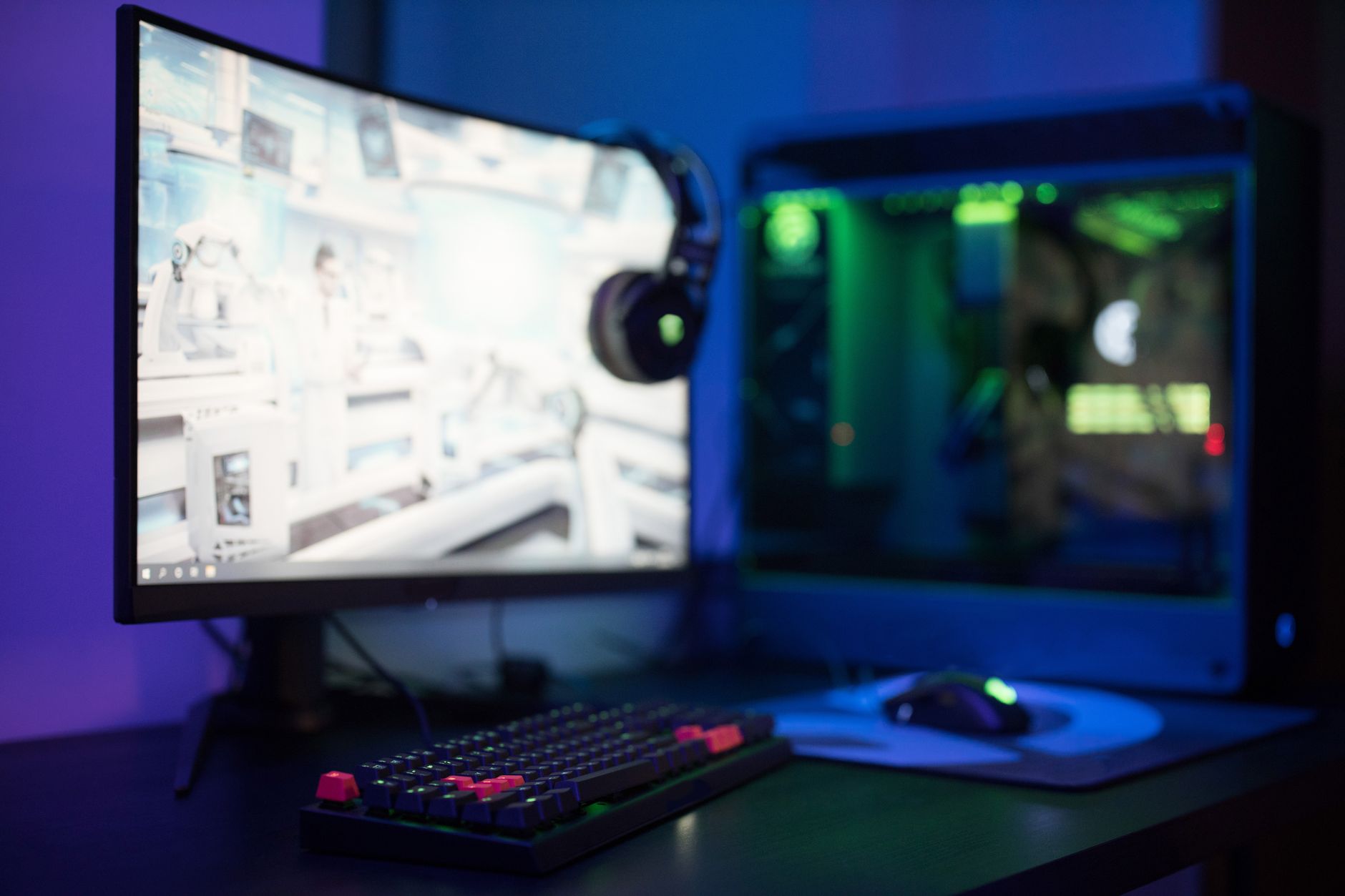
At the top end, the Samsung Odyssey G9 49-inch sits around $999 on sale. Basically two 27-inch monitors stitched into one curved super-ultrawide, running at 1000R, 240Hz, 5120×1440 on a VA panel. Your GPU needs to be ready for it, and you’ll want a desk at least 80cm deep or the curve wraps around you in a way that feels a bit odd. For gaming, though, nothing else at that price gets close.
Panel Type and Refresh Rate
VA panels dominate the curved monitor lineup because VA glass is easier to bend into tight curves without warping the image. IPS can be curved, as the LG and Dell above show, but you’ll pay more for it. VA gives you better contrast (often 3000:1 versus 1000:1 on IPS), but colours can shift if you’re sitting far off-axis, and grey-to-grey response times are sometimes slower than the spec sheet implies.
Refresh rate splits roughly by price tier. Budget curved monitors, mostly $200 to $400, cap at 60Hz or 75Hz. Mid-range gaming options like the MSI MAG401QR or the Gigabyte G34WQC land around $350 to $500 and offer 144Hz at 1440p ultrawide. Above $700 you start seeing 165Hz and 240Hz panels, usually VA. For office work, 75Hz is honestly fine. For fast-paced games, 144Hz is the floor I’d set.
One honest caveat here: VA panels at high refresh rates have improved, but motion blur is still occasionally visible on darker scenes. If you’re editing video or doing colour-critical work, an IPS curved monitor is worth the extra cost even if the curvature options are narrower.
Matching the Radius to Your Desk
Before you buy, measure your desk depth. Sitting less than 80cm from the screen, the best curved monitors for your setup are probably 1800R or 1500R, not 1000R. A tight curve at distance looks like a gimmick. At the right distance it genuinely reduces eye movement and feels more natural. The curvature rating is the one spec most buyers skip, and it affects daily comfort more than almost anything else on the list. Get that number right first, then worry about resolution and refresh rate.
FAQs
What curvature is best for a 34-inch monitor?
1800R works well for most 34-inch setups at standard desk depths under 90cm. It’s gentle enough for productivity but curved enough to feel intentional.
Is a curved monitor better for eyes?
At the right viewing distance, yes, because your eyes travel less across the screen. The benefit mostly disappears if you sit too far back.
Do curved monitors work well for dual setups?
Not really. The bezels create an awkward join and the curves angle away from each other. A single ultrawide usually solves the same problem better.