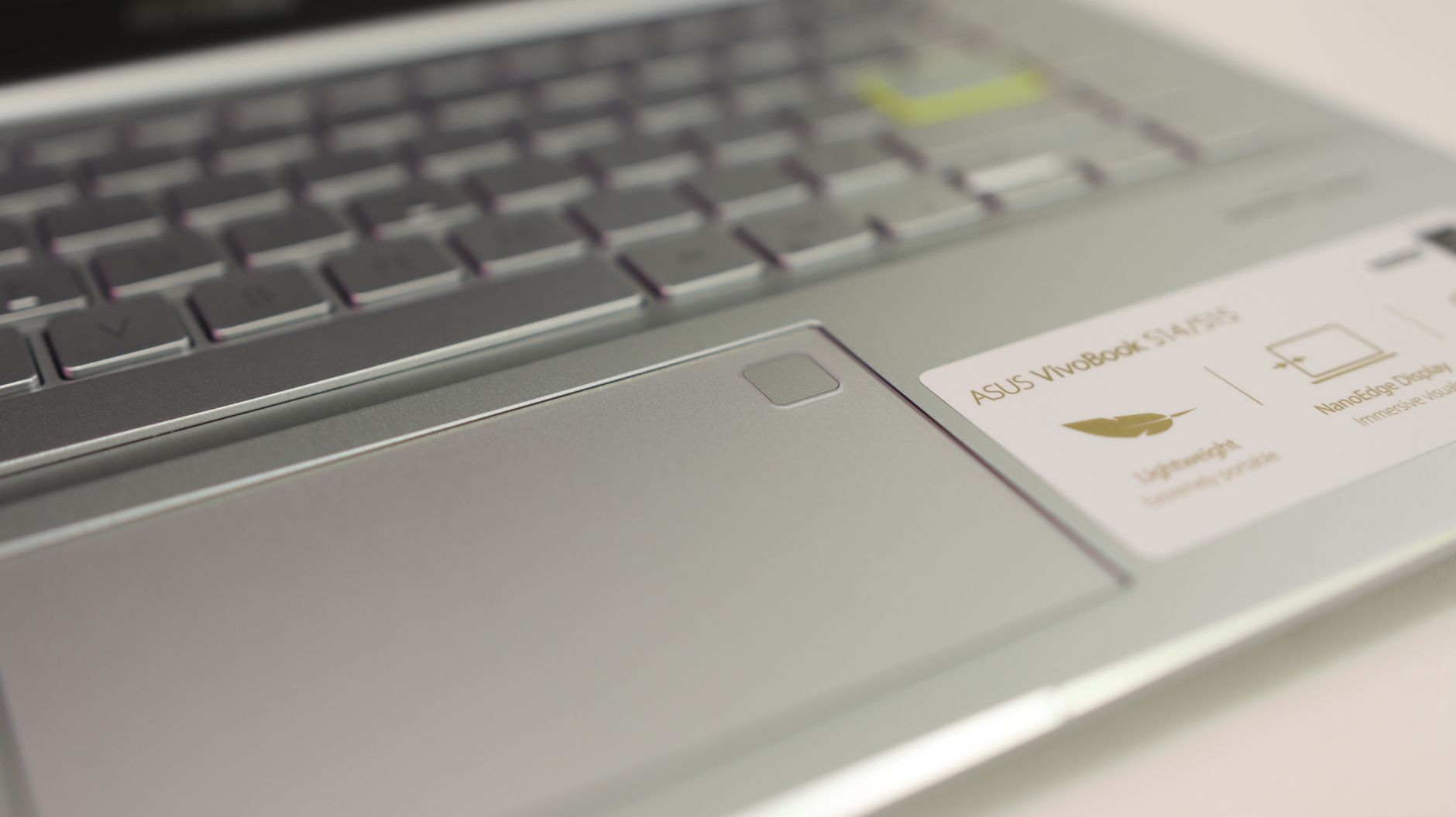
Most budget 17-inch laptops tip the scales around 2.5 kg, making you feel like you’re lugging a heavy textbook. The VivoBook 17, however, weighs about 1.9 kg, which is a pleasant surprise given its size and price. That fact alone shifts how this laptop fits into everyday life, so this asus vivobook 17 review leans more towards trade-offs than outright praise or criticism.
You can find a few configurations of this laptop depending on where you buy it. There’s usually either an Intel Core i5-1235U or an AMD Ryzen 5 7530U inside, and which one you choose is more important than many buyers realize. Prices kick off around $549 for the Intel base model and reach about $699 for the Ryzen variant with better memory.
Neither option is a powerhouse. But for specific users, that’s perfectly fine. Let me explain who that might be.
What You Get for the Price
Starting at $549 and going up to $699, the VivoBook 17 looks pretty solid on paper. It features a 17.3-inch Full HD IPS display with ASUS NanoEdge slim bezels, giving it a more spacious feel than you’d expect. In the mid-tier configurations, you’ll find up to 16GB DDR4 RAM and a 512GB SSD, but double-check, as the entry model sometimes comes with just 8GB.
The build quality? It’s decent for this category. Sure, the chassis is plastic, not a shocker there, but it doesn’t flex too much at the keyboard deck. The ports include USB-A, USB-C, HDMI, and a headphone jack, which is more than what some sleeker competitors add. The keyboard travel is decent, about 1.4mm; it’s an upgrade from the flat boards often found on many Chromebooks and base MacBooks.
What you won’t find: a touchscreen, a dedicated GPU for most models, and Thunderbolt connectivity. Some buyers might see these as dealbreakers. Others? Not so much.
Performance and Display Reality Check
Intel vs AMD variant
The i5-1235U handles daily tasks without issue. I’ve had it running web browsing with fifteen tabs, light photo editing in Lightroom, streaming videos, and working on documents—all smooth sailing. If you’re into video editing or compiling code regularly, though, the Ryzen 5 7530U is the go-to choice. From what I’ve noticed, it runs about 15 to 20 percent faster with CPU-heavy tasks, making a difference over a day of use.
RAM is crucial here as well. In 2024, 8GB can feel cramped if you’re a Chrome user. I’d recommend opting for the 16GB configuration without hesitation, but be aware that it pushes the price closer to around $680.
The display itself
ASUS markets its NanoEdge panel, but the actual brightness is only around 250 nits—pretty ordinary. Outdoors? It’ll struggle in direct sunlight. Indoors or at a cafe, it’s totally acceptable. For color coverage, it leans into sRGB territory, which means photo pros might want to look at other options. That said, its 17.3-inch size at 1080p gives you a crisp pixel density for text and video, plus the slim bezels make it feel less like a brick compared to older budget laptops.
Who Should Actually Buy It
The asus vivobook 17 review generally divides opinions into two groups. The first group says the display is dim, and a GPU-less design is limiting. The second group argues it’s one of the few large-screen laptops under $700 that feels decent in terms of portability. Both sides are correct, meaning the profile of the ideal buyer is narrower than ASUS hints at.
Battery life averages 6 to 8 hours in real-world use with about 60 percent brightness and mixed tasks. That’s enough for a college day, just barely, unless you’re pushing it hard. While gaming drops that down to roughly 2 to 3 hours, it makes the gaming aspect a moot point without an outlet nearby.
Students writing papers, attending lectures, or managing spreadsheets should find this laptop satisfying. Remote workers will appreciate the extra screen space without carrying around a heavy 2.5 kg machine. But for creatives or developers who do heavy compilation work, I’d suggest looking elsewhere, probably at a 15-inch laptop with a dedicated GPU in the $750 to $900 range.
One small note: the fan noise under load can be noticeable. It isn’t disruptive in a busy coffee shop but can be heard in a quiet room. It’s not a deal-breaker, but good to keep in mind.
Whether the VivoBook 17 Is Worth Buying
For a large-screen budget laptop, the asus vivobook 17 review balances between a solid recommendation and a conditional one. If you need 17 inches, want to stay under $700, and mainly focus on productivity and media, it’s likely the best option around right now. I’d go for the Ryzen variant with 16GB RAM and skip the base model unless your budget is tight.
If your work revolves around GPU-intensive tasks, or if you often work in bright outdoor settings, then it’s probably better to look for something else. But for the right user, the blend of screen size, weight, and price is tough to beat. And that’s a concrete takeaway about a budget laptop.
FAQs
How long does the Asus VivoBook 17 battery last?
Real-world use typically averages 6 to 8 hours with mixed tasks at moderate brightness. Heavy workloads or video calls may cut that down to around 5 hours.
Is the Asus VivoBook 17 good for college students?
Yes, for the most part. The screen size and weight make it great for campus use, and it handles coursework comfortably. Just get the 16GB RAM config if you can.
Can the Asus VivoBook 17 run games?
It can run light indie titles and older games just fine on integrated graphics. However, anything modern and demanding won’t perform well without a dedicated GPU.

2 Comments